Integration & Future Planning
Will My Smart Home Work Together Now, and Still Make Sense in the Future?
The best smart home decision is not simply picking a brand. It is designing a system that integrates today’s devices, supports normal family life, and leaves a clean path for upgrades when products, apps, and standards change.
Quick Answer
No smart home can be frozen perfectly for 10 years. A well-designed system can be made serviceable, expandable, and easier to upgrade.
Future-proofing is less about predicting every product that will exist later and more about making smart design decisions now: strong wiring, reliable networking, a scalable control platform, documented equipment, accessible racks, supported brands, and clear upgrade paths. A professional system should avoid unnecessary lock-in while still giving the homeowner one simple daily experience.
The Ecosystem Anxiety
“Which system is best, and will it still be around in 5 to 10 years?”
This is one of the smartest questions a homeowner can ask. Smart home technology changes quickly. Brands merge. Apps change. Streaming devices get replaced. Voice assistants evolve. Some products receive years of updates, while others disappear. A homeowner does not want to invest in a system that becomes a dead end.
The answer is not to chase every new gadget. The answer is to design the home in layers. Infrastructure should last longer than devices. Wiring, conduit, network locations, equipment space, speaker wiring, shade wiring, power planning, and documentation are the foundation. Control platforms, processors, bridges, streaming devices, and user interfaces can be upgraded over time. Individual accessories are the easiest to replace when standards change.
Future-proofing is really future-readiness: making sure the home can adapt without tearing everything apart.
Compatibility Stack
The layers that make a smart home work together
01
Infrastructure
Wiring, network, power, equipment locations, access points, rack space, and surge protection. This is the most important layer to plan early because it is the hardest to change after walls are closed.
02
Control platform
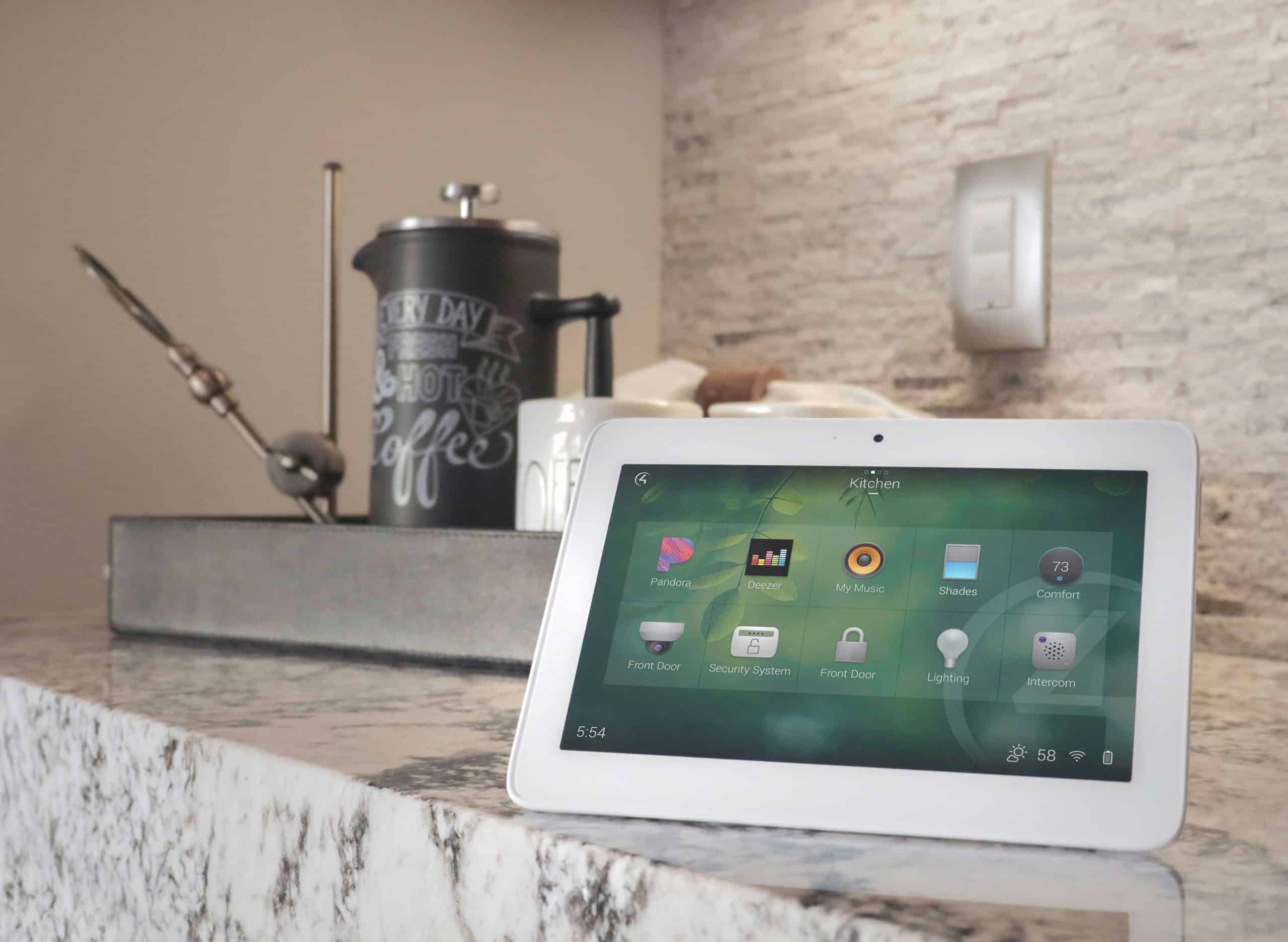
Professional platforms such as Control4 or Savant can provide one interface for lighting, shades, audio, video, climate, access, and security-related functions when designed around supported products.
03
Device protocols
Wi-Fi, Ethernet, Zigbee, Z-Wave, Thread, Matter, proprietary lighting/shade protocols, and AV control methods all have roles. The goal is to choose the right tool for each job, not force one protocol everywhere.
04
Bridges and integrations
Some devices integrate through direct drivers, bridges, hubs, APIs, or cloud services. Each integration should be judged on reliability, support, and what happens if the vendor changes it.
05
User interfaces
Apps, touchscreens, keypads, remotes, and voice assistants should feel consistent even when the technologies behind them are different.
06
Service plan
Compatibility is not only a day-one issue. Updates, replacements, ISP changes, streaming app changes, and product discontinuations all need a support path.
Standards
Where Matter, Thread, Zigbee, Z-Wave, Control4, and Savant fit
Homeowners hear many names and assume they must choose one horse. In reality, these names live at different layers of the system. Matter is an IP-based connectivity standard intended to improve interoperability across smart home ecosystems. Thread is a low-power mesh networking technology often discussed alongside Matter. Zigbee and Z-Wave are established smart device protocols. Control4 and Savant are professional automation platforms that can unify the homeowner experience across many subsystems when the products and drivers are properly selected.
Standards help, but they do not eliminate design work. A Matter logo does not automatically answer every question about placement, user interface, network health, local control, lighting loads, long-term support, or how the device should behave in a Goodnight scene. Professional integration still matters because the homeowner does not want five “compatible” products that behave five different ways.
Existing Devices
Will my voice assistants, TVs, locks, thermostats, and speakers integrate?
Sometimes yes, sometimes no, and sometimes “partially.” The right first step is an integration audit. List every device you want to keep, including model numbers, age, app accounts, network connection type, and what you expect it to do. A TV that can turn on from an app is not the same as a TV that integrates cleanly into a one-button Watch Movie scene. A lock that works in its own app may not expose every feature to a professional control platform. A thermostat may integrate for basic setpoint control but not every scheduling feature.
A good integrator should be honest about three categories: devices worth keeping, devices that can be bridged but may have limitations, and devices that should be replaced because they will create more frustration than value.
Integration Audit
How to evaluate what you already own
Phased Installation
If I start small, can I expand later without replacing everything?
Yes, if the first phase is planned as the beginning of a system, not an isolated experiment. This is where professional design can save money later. A homeowner may only want lighting and media room control today, but the system should leave room for future shades, outdoor audio, cameras, distributed video, or a theater.
Phasing works best when the network is built correctly early, the control platform can scale, wiring paths are considered before walls close, equipment rack space is reserved, and the programming is documented. The cheapest first phase is not always the least expensive long-term path. A slightly smarter foundation can prevent replacement costs later.
- Phase 1: Foundation. Network, wiring, control platform, main living spaces, and one or two high-value scenes.
- Phase 2: Daily convenience. Lighting, shades, thermostat integration, keypads, and Goodnight/Away routines.
- Phase 3: Entertainment and outdoor spaces. Whole-home music, distributed video, media room upgrades, outdoor AV.
- Phase 4: Refinement. Additional automation logic, energy management, camera expansion, service plan, and seasonal tuning.
Product Lifecycle
What happens if a product or service is discontinued?
Discontinued products are a reality in connected technology. The best protection is not assuming products will last forever. The best protection is serviceability. If the system is documented, wired cleanly, built around supported platforms, and not overly dependent on a single obscure cloud device, replacement becomes manageable.
Some components have shorter lives than others. Streaming boxes, apps, voice assistants, touchscreens, and cloud accessories may change faster. Speakers, wiring, racks, properly installed shades, lighting infrastructure, and network cabling can have much longer useful lives. A good design separates the durable parts of the home from the technology pieces that may need refreshes.
Future-ready design means the next upgrade should feel like replacing a component, not reopening the entire project.
Questions to Ask
How to ask an integrator about compatibility without getting lost in jargon
- What brands and systems do you support most often?
- Which existing devices should I keep, bridge, or replace?
- Which parts of the system work locally, and which depend on cloud services?
- What happens if my internet goes down?
- Can the system expand later to shades, audio, cameras, or outdoor spaces?
- How will equipment, wiring, passwords, and programming be documented?
- Am I locked into one vendor, or are there replacement paths?
- How often will the system need updates or service?
- What support plan do you recommend for a system of this size?
- What should be decided before walls are closed?
FAQ
Smart home compatibility and future-proofing questions
Which smart home system is best?
The best system depends on the home, desired controls, budget, existing products, reliability expectations, and support needs. The right answer comes from designing around your routines, not choosing a platform in isolation.
Will I be locked into one vendor?
Professional systems do create a designed ecosystem, but good planning avoids unnecessary lock-in by using supported products, documented wiring, scalable infrastructure, and practical replacement paths.
Does Matter mean everything will work together automatically?
Matter helps improve interoperability across supported devices and ecosystems, but it does not replace professional design. Placement, networking, controls, scenes, support, and product-specific limitations still matter.
Can I keep my existing devices?
Often some devices can be kept, but each should be reviewed. Some integrate cleanly, some integrate with limitations, and some should be replaced because they will undermine reliability or usability.
What is the most future-proof thing I can do?
Invest in infrastructure: wiring, network, equipment locations, conduit where practical, power protection, documentation, and a control platform that can scale.
Design for today and tomorrow
Choose a smart home path that can grow with you.
Davis Audio & Video can review your existing devices, recommend the right platform, and plan the infrastructure for future expansion.
Schedule a Consultation