Planning, Wiring & Support
How to Protect Your Home Theater Investment and Avoid the Biggest Mistakes
The most expensive home theater mistakes usually happen before the system is turned on: bad wiring, poor room layout, no upgrade path, weak power planning, no ventilation, skipped acoustics, and controls that make the room frustrating to use.
Quick Answer
Protect the investment by planning the room as a system before you buy equipment.
Start with layout, wiring, power, ventilation, network, control, acoustic treatment, and service access. Use rated in-wall cabling, plan conduit where practical, protect electronics with appropriate surge strategy, keep equipment cool, document the system, and build a realistic upgrade path. Most “ruined theater” stories are not caused by one bad product; they are caused by treating design, infrastructure, and usability as afterthoughts.
Avoid These First
The big mistakes that ruin a home theater
01
Buying equipment before designing the room
Equipment should fit the room plan, not the other way around. Screen size, seating, speakers, power, and wire paths should be confirmed before products are selected.
02
Ignoring wire paths
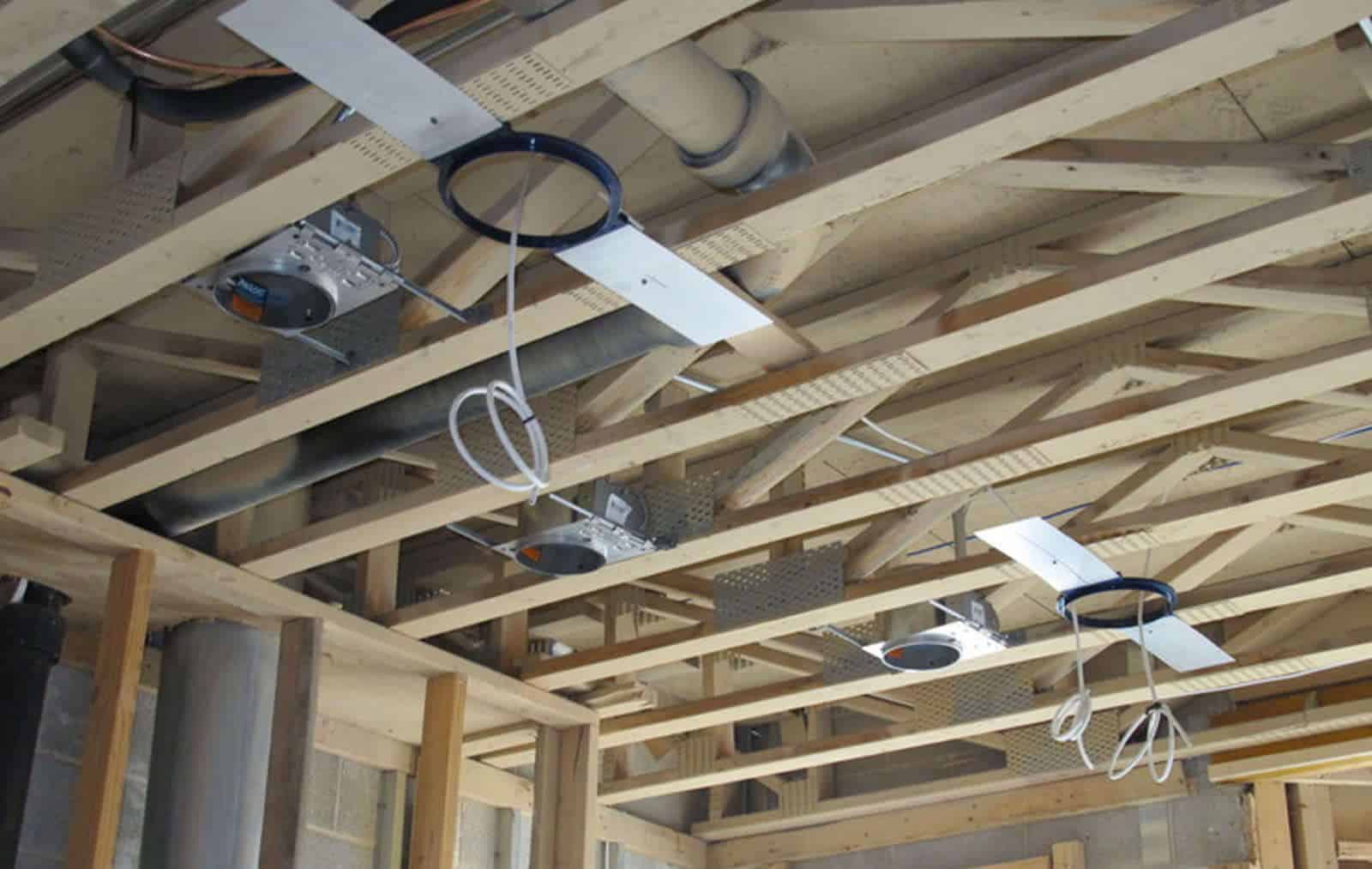
Hidden wiring is easier and cleaner when planned early. Missing speaker wire, network, conduit, or projector cabling can force visible wires or expensive rework.
03
Mounting the screen too high
A theater should be comfortable for a full movie. A screen that looks dramatic above a fireplace may create neck strain and poor sightlines.
04
Skimping on the center channel
Most movie dialogue comes from the center speaker. Poor placement or a weak center channel can make even expensive systems frustrating.
05
Skipping acoustics
Untreated rooms can sound echoey, harsh, or boomy. Treatment does not need to be ugly, but it does need to be considered.
06
Forgetting power and ventilation
Receivers, amplifiers, projectors, game consoles, and network equipment generate heat and depend on reliable power.
07
Using the wrong HDMI or cable strategy
Long runs, 4K/120 gaming, HDR, eARC, and future upgrades require proper cable selection and pathways. The cheapest cable in a finished wall can become the most expensive cable later.
08
No network plan
Streaming, control, updates, remotes, apps, and smart home scenes depend on reliable networking. A weak Wi-Fi signal can make a premium room feel unreliable.
09
Making the room hard to use
If the room requires multiple remotes, app switching, or technical knowledge, it will not get used as intended. One-button control is not a luxury detail; it is part of the experience.
Wiring & Future-Proofing
Wire for the room you may want later, not only the system you buy today.
Future-proofing does not mean predicting every future format. It means leaving pathways, capacity, and documentation so future upgrades are possible without tearing the room apart. The safest plan is often a combination of high-quality in-wall cabling, conduit where practical, accessible equipment locations, rack organization, and extra pull lines or spare wire for likely upgrades.
- Run speaker wire for the planned layout and likely future channels.
- Consider conduit between display/projector and equipment rack.
- Use rated in-wall cable for in-wall installations.
- Plan network drops for streaming devices, processors, game consoles, and access points.
- Leave service loops and label both ends of every cable.
- Plan subwoofer locations and wire more than one possible location when practical.
- Provide power where projectors, screens, shades, and displays need it.
- Document the rack, cables, sources, remotes, and network configuration.
Power Protection
Protecting expensive gear starts with safe power, surge strategy, and proper installation.
Home theater equipment is sensitive to power problems. Surges can damage, degrade, or disrupt electronics, and not every power strip is a surge protector. A serious room should have a power plan that may include dedicated circuits where appropriate, proper grounding by licensed electrical professionals, point-of-use surge protection for AV gear, and whole-home surge protection when recommended by the electrical scope.
No surge device can promise protection from every event, especially a direct lightning strike. The goal is layered risk reduction, safer installation, and fewer avoidable failures.
Use the right professionals
Electrical work should be performed by qualified electrical professionals. AV integrators and electricians should coordinate on outlet placement, load, rack power, and equipment needs.
Layer protection
Use appropriate point-of-use surge protection at the rack and consider whole-home surge protection as part of the broader electrical plan.
Do not overload strips
Power strips are not all the same. A rack full of electronics should not be treated like a random cluster of consumer extension cords.
Reliability
Heat and service access matter more than people think.
AV receivers, amplifiers, game consoles, streamers, network switches, and control processors need ventilation. A closed cabinet can look clean but trap heat. Heat shortens equipment life and can cause lockups, shutdowns, or intermittent glitches that feel mysterious later.
A professional installation should make the system serviceable. That means labeled cables, accessible racks, clean cable management, ventilation, remote management where available, and enough space to replace a component without dismantling the room.
Ease-of-Use
The most beautiful theater can fail if the control system is confusing.
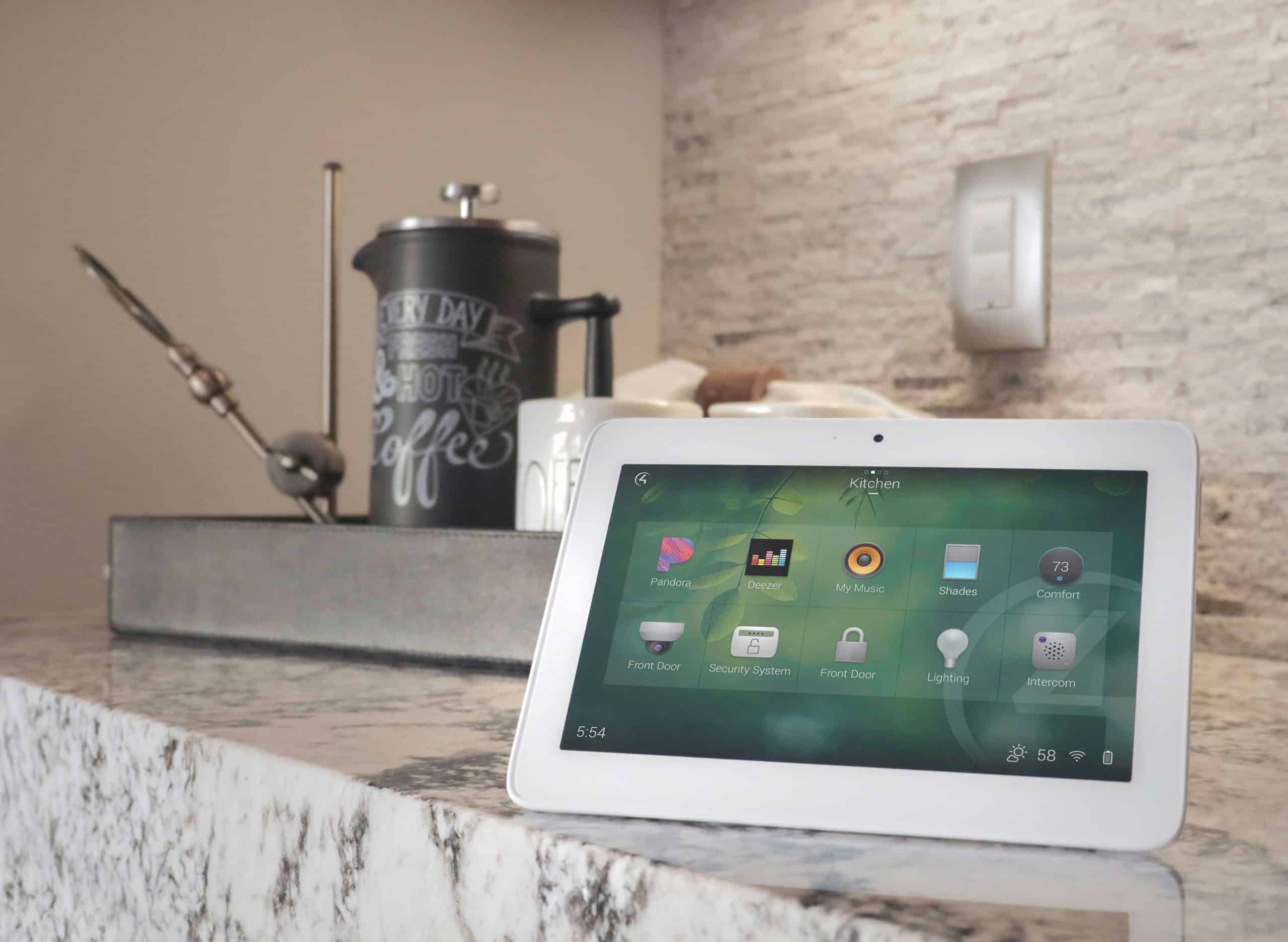
Theater control should be designed for real people, not just the person who bought the equipment. Guests should not need to know which receiver input matches which streaming box. Kids should not need to understand projector warm-up, HDMI handshakes, or audio modes. A spouse should not have to text for instructions just to watch a show.
Bad control experience
- Multiple remotes
- Unclear input names
- App switching for lights, TV, AVR, streaming, and shades
- No simple way to recover if something is on the wrong input
- No guest-friendly operation
Davis-style control experience
- One-button Movie, Sports, Gaming, Music, and Off scenes
- Lighting and shade scenes tied to viewing modes
- Clearly labeled remote or touchscreen controls
- Reliable source switching
- Training, documentation, and support

Support After Installation
Protecting the investment continues after the room is finished.
Modern theaters include networked devices, streaming apps, firmware, control processors, receivers, projectors, TVs, remotes, and source devices. These systems may need updates, occasional troubleshooting, recalibration, or adjustments as streaming platforms, devices, and family habits change.
Davis service and support options should be referenced where appropriate, especially for homeowners who want help keeping the system reliable over time. Do not imply 24/7 alarm monitoring. Keep service-plan claims aligned with the current Davis Service Plans page before publishing.
View Service PlansDavis Design Perspective
We protect your investment by designing the invisible parts correctly.
The parts homeowners see, screen, speakers, seats, remote, matter. But the invisible parts often protect the project: wiring, conduit, rack planning, power coordination, network, ventilation, acoustic planning, programming, documentation, and support. Davis Audio & Video handles these details so the finished theater feels simple, clean, and dependable.
Avoid Expensive Theater MistakesInvestment Protection FAQ
Common questions about wiring, power, and long-term reliability
What are the biggest home theater mistakes to avoid?
The biggest mistakes are buying equipment before designing the room, skipping wiring and conduit planning, mounting the screen too high, ignoring acoustics, weak center-channel placement, poor ventilation, no surge strategy, and relying on multiple remotes instead of simple control.
How do I wire now so upgrades are easier later?
Run rated in-wall cable, include conduit where practical, label every cable, plan extra speaker and subwoofer locations, hardwire network connections, leave service loops, and document the system. The exact plan depends on the room and future upgrade goals.
Do I need surge protection for a home theater?
Yes, a theater should have a power and surge protection plan. This may include point-of-use protection at the rack and whole-home surge protection as part of the electrical scope. No surge system can guarantee protection from every event.
Why does ventilation matter for home theater equipment?
Receivers, amplifiers, consoles, streaming devices, and network gear produce heat. Without airflow, equipment can shut down, lock up, or age faster. Ventilation should be designed before equipment is sealed in cabinets.
How often should a home theater be maintained?
Maintenance depends on the system, but homeowners should expect occasional updates, source changes, app changes, remote/control adjustments, dusting, cable checks, and sometimes recalibration. A service plan can help keep the system performing reliably.
We offer a free consultation
Plan the theater correctly before the walls close.
Davis Audio & Video can help you avoid the wiring, power, acoustics, layout, and control mistakes that lead to expensive rework.
Schedule a ConsultationOr call (312) 423-7938