Davis Audio & Video Resource Guide
Smart Home Security & Surveillance Guide
Security and surveillance in a luxury home should provide confidence without making the home feel complicated or intrusive. The best systems combine thoughtful camera placement, secure networking, clear remote access, lighting integration, access control, and privacy-aware design. This guide helps homeowners plan a surveillance and security system that is useful, discreet, and properly supported.
Guide Section
Security Starts With Design Goals
Before choosing cameras or devices, define what the system needs to accomplish. Common goals include monitoring entrances, driveways, gates, garages, deliveries, pool areas, side yards, rear doors, exterior living areas, guest houses, and mechanical spaces. Some homeowners prioritize deterrence, while others prioritize visibility, notifications, or documentation.
Camera coverage should be planned from the homeowner's real concerns, not from a generic kit. A lakefront property, urban residence, gated estate, condo, or suburban North Shore home may each need a different strategy.
The goal is useful visibility. Too many cameras in the wrong places create noise and privacy concerns. Too few cameras leave blind spots. A professional design balances coverage, aesthetics, lighting, network capacity, and user experience.
Guide Section
Camera Placement and Image Quality
Camera placement determines whether footage is actually useful. Height, angle, field of view, lighting, backlight, reflections, weather exposure, and nighttime performance all matter. A camera mounted too high may show the top of someone's head but not a useful face. A camera aimed at bright headlights or direct sun may struggle with exposure.
Important areas often include front entry, package delivery zones, driveway, garage doors, side gates, rear doors, pool gates, outdoor living areas, and detached structures. Cameras should be positioned to capture the event the homeowner cares about, such as a vehicle approaching, a person at the door, or activity near a gate.
Image quality is not only resolution. Lens selection, low-light performance, dynamic range, recording settings, network bandwidth, and storage quality all affect the final result.
Guide Section
Privacy and Secure Remote Access
A surveillance system should be secure. The FTC recommends looking for cameras with built-in security features such as encryption for account information, livestreams, and archived video. Strong passwords, two-factor authentication where available, current firmware, and secure remote access are important.
Privacy matters inside the home and around the property. Indoor cameras should be used carefully and with clear consent. Outdoor cameras should be aimed to respect neighbors and avoid unnecessary capture of private areas that do not support the security goal.
For luxury homeowners, privacy is part of the value proposition. Davis designs security systems to protect the home without creating a new vulnerability.
Guide Section
Access Control, Door Stations, and Gates
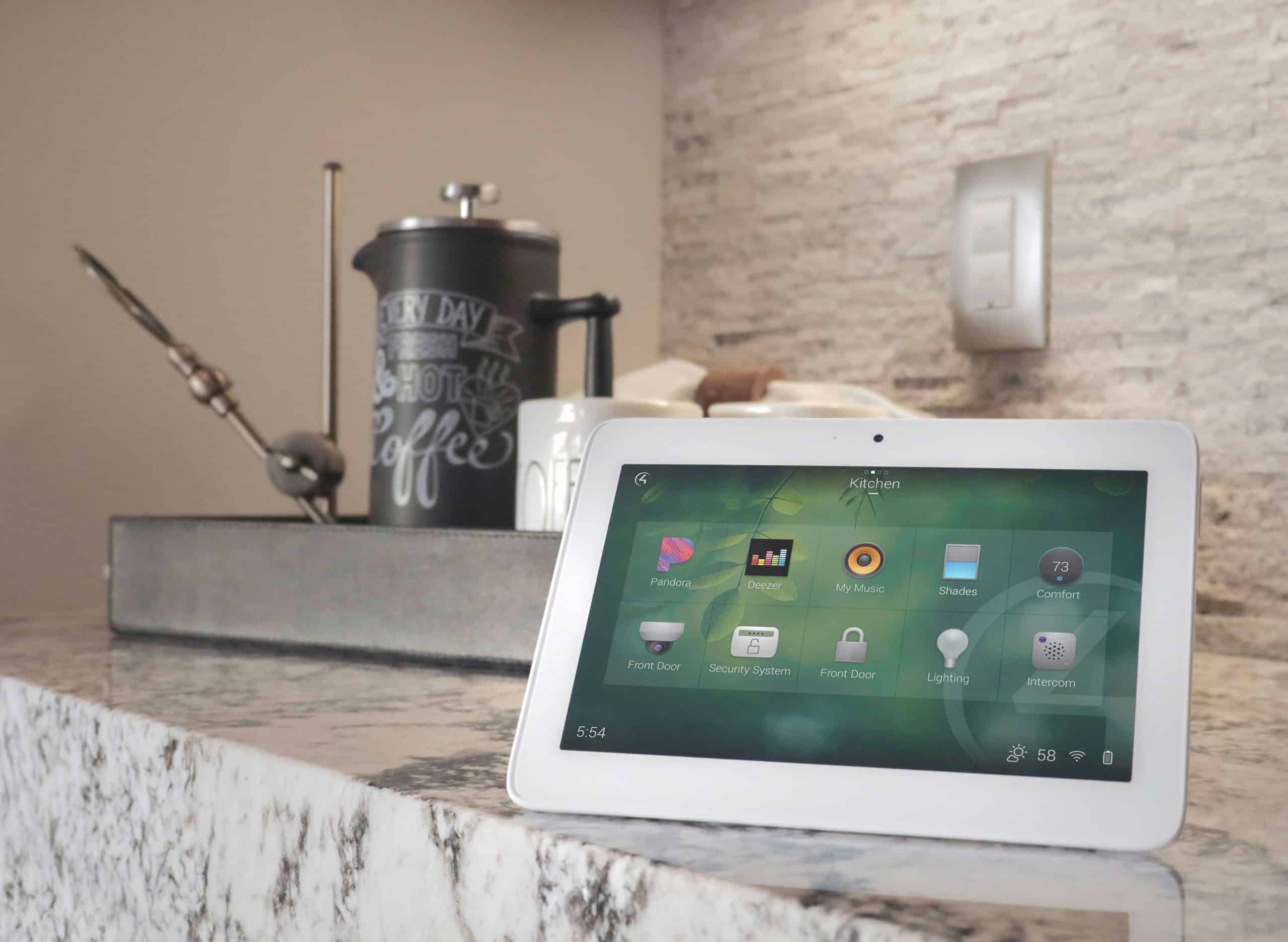
Security is not only cameras. Door stations, gate intercoms, smart locks, garage control, keypad entry, access logs, and integrated notifications can all improve convenience and control. A homeowner may want to answer a gate from a touchscreen, unlock a door for a trusted guest, or verify a delivery while traveling.
Access control should be designed around who uses the home: family, guests, staff, vendors, property managers, dog walkers, housekeepers, and seasonal visitors. Permissions should be simple to manage and easy to revoke when needed.
Integration with lighting and surveillance makes access events more useful. For example, driveway lighting can activate when a vehicle approaches, or entry lighting can turn on when a door is unlocked after dark.
Guide Section
Storage, Notifications, and Daily Usability
Homeowners should understand how footage is stored, how long it is retained, where it can be viewed, and what happens if the internet is down. Cloud storage, local NVR storage, and hybrid approaches each have tradeoffs.
Notifications should be tuned carefully. Too many alerts cause people to ignore the system. Smart detection zones, schedules, and event filters can make notifications more useful. A driveway alert at night may matter. A tree branch moving every afternoon should not trigger constant alerts.
The user interface should be simple. Homeowners should be able to view live cameras, review recent events, and use access control without digging through technical menus.
Guide Section
Integration With Lighting, Network, and Service
Surveillance depends on lighting and networking. Cameras need enough light, proper angles, and a stable network connection. PoE cameras should be wired to reliable switches with proper power budgets. Outdoor cameras need weather-rated mounting and cable protection.
Lighting integration can improve visibility and safety. Motion events can trigger selected lights. Entry scenes can illuminate pathways. Away scenes can coordinate lighting schedules with security routines.
Service support is essential because security systems are important when homeowners need them most. Firmware updates, network maintenance, camera cleaning, and recording checks should be part of the long-term plan.
Examples
Helpful Examples
Entry and Package Coverage
Camera and door station placement focused on the person at the door, package area, walkway, and approach lighting.
Driveway and Gate Monitoring
Gate station, driveway camera, license/vehicle overview camera, landscape lighting, and mobile/touchscreen access.
Travel Mode
Away lighting scene, tuned alerts, remote camera access, and secure access permissions for trusted service providers.
FAQ
Frequently Asked Questions
Where should security cameras be placed?
Common locations include front entry, driveway, garage, side gates, rear doors, pool gates, outdoor living areas, and detached structures. Placement should be based on the events the homeowner wants to see.
Are wired cameras better than wireless cameras?
Wired PoE cameras are often preferred for reliability, power, and consistent recording. Wireless cameras may work in certain locations but depend more heavily on WiFi and battery/power conditions.
Can security cameras be viewed remotely?
Yes, with the right system and secure configuration. Remote access should be protected with strong credentials, encryption, and appropriate account controls.
Can cameras integrate with lighting?
Yes. Lighting scenes and camera events can work together to improve visibility, deter unwanted activity, and make alerts more useful.
How do I protect privacy?
Use secure equipment, strong passwords, current firmware, careful camera placement, access controls, and avoid unnecessary indoor or neighbor-facing coverage.
Plan Your System With Davis Audio & Video
Davis Audio & Video can help you plan a security and surveillance system that protects your property, respects privacy, and integrates with the technology you already use. Schedule a consultation to review coverage, access, networking, and support.