Davis Audio & Video Resource Guide
Smart Home Automation Guide
Smart home automation is not about filling a house with gadgets. In a well-designed luxury home, automation is the quiet layer that makes everything feel easier: lights adjust before guests arrive, music follows the spaces you actually use, shades respond to sunlight and privacy needs, the theater starts with one command, and the family can use the system without a manual. This guide explains how to think about automation as a complete home experience rather than a collection of disconnected devices.
Guide Section
What Smart Home Automation Really Means
A true smart home automation system connects the technology in the house into one organized control experience. Lighting, climate, audio, video, shades, security, networking, and surveillance can all be designed to work together instead of forcing the homeowner to open separate apps for every room or product.
The difference between a basic smart device and a professionally integrated system is the difference between a remote control and a design plan. A smart plug may turn on a lamp. A professional system can prepare the entire main level for dinner, lower specific shades, adjust lighting to a warmer scene, start a playlist at the right volume, turn on the patio speakers, and keep the interface simple enough for guests, family members, and staff to use confidently.
For Davis Audio & Video, the goal is functional efficiency. If the homeowner cannot figure out how to use the system, the system was not designed effectively. The best automation disappears into daily life because the controls are intuitive, the scenes match the household, and the system has been configured thoughtfully on the front end.
Guide Section
The Core Systems That Belong in a Luxury Smart Home
Most high-end automation projects start with a few major categories: lighting control, motorized shades, whole-home audio, distributed video, home theater or media room control, climate integration, surveillance, access control, networking, and remote support. Each category can stand alone, but the value increases when they are planned as one ecosystem.
Lighting control is often the most visible daily upgrade. Rather than walking through the home flipping switches, the homeowner uses engraved keypads, touchscreens, remotes, voice commands, mobile apps, or scheduled scenes. Whole-home audio creates music zones for the kitchen, great room, patio, primary suite, office, gym, and entertainment areas. Motorized shades improve comfort, privacy, glare control, and protection for interiors. A strong home network keeps all of it responsive.
The key is not to automate everything simply because it is possible. The key is to automate what makes the home easier to live in. A great integrator helps the client decide which features deserve priority, which systems need hardwired infrastructure, and which experiences should be kept simple.
Guide Section
Professional Integration vs. DIY Smart Home Devices
Consumer smart home products can be useful for small, single-room tasks, but luxury homes usually need more than a handful of apps and voice commands. Large homes often have more square footage, more network devices, more display zones, more outdoor spaces, more electrical loads, more security points, and more family members using the system. The complexity rises quickly.
Professional integration focuses on reliability, scalability, clean installation, serviceability, and ease of use. That means careful rack design, structured wiring, device selection, network segmentation where appropriate, consistent interfaces, documented programming, remote access for support, and a plan for updates. Instead of building the house around gadgets, the technology is fitted into the architecture and lifestyle.
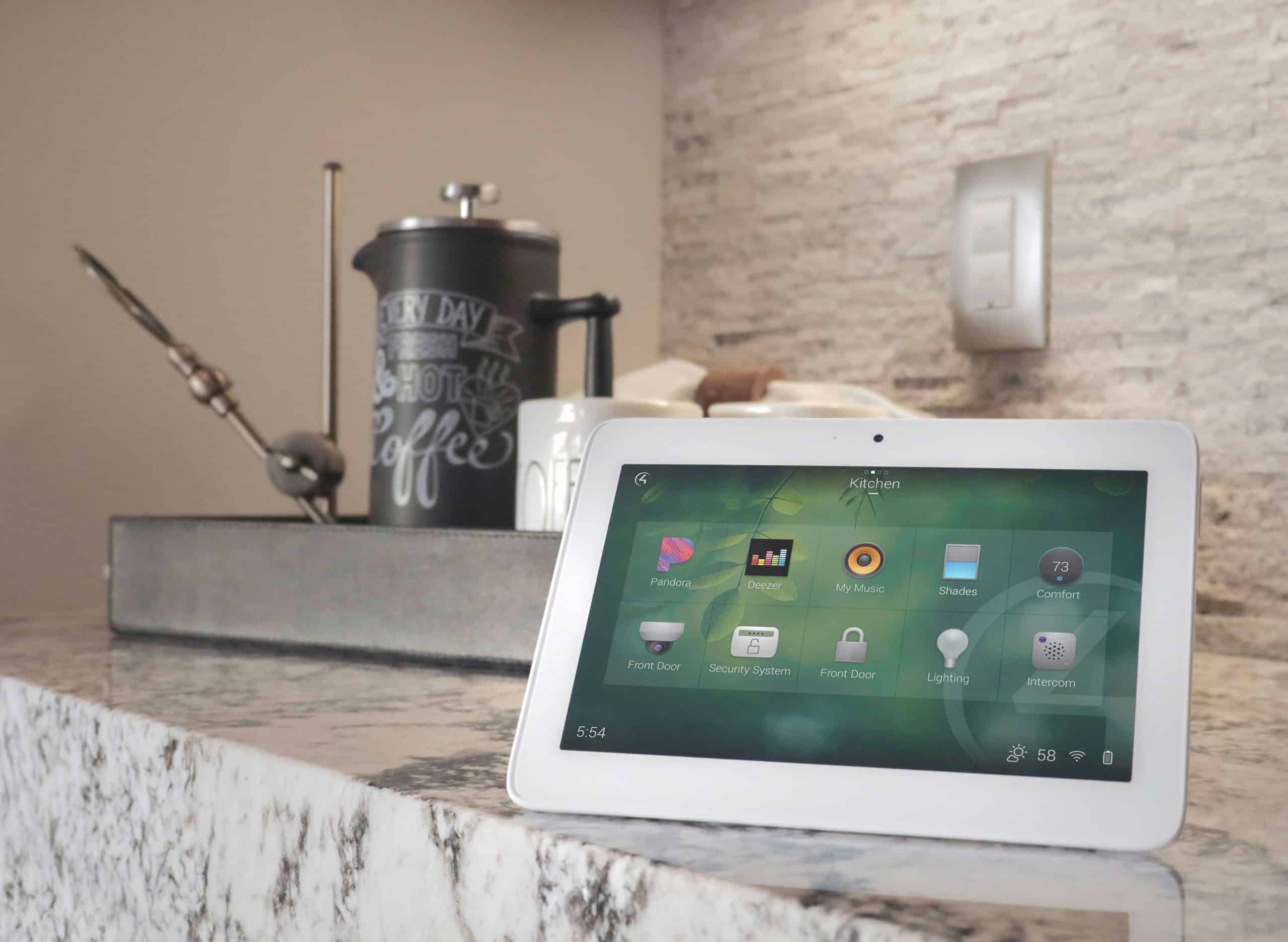
A professional platform such as Control4 can bring many devices into one control environment and allows an integrator to personalize scenes, schedules, automations, favorites, and control interfaces. The homeowner benefits because the system is designed around how the family lives, not around the default settings of each device.
Guide Section
Planning Scenes Around Real Life
Scenes are where automation becomes personal. A scene is a group of actions triggered by one button, schedule, keypad press, remote command, app shortcut, or automation rule. The best scenes are not gimmicks. They solve real daily moments.
Examples include Welcome Home, Dinner, Entertain, Movie, Goodnight, Away, Morning, Kids Bedtime, Work From Home, Patio Evening, Game Day, and Vacation. Each scene should be tested with the homeowner because the correct lighting level, shade position, audio volume, and device behavior are personal preferences.
Luxury automation should also include restraint. A Goodnight scene may turn off the main level, lock doors if integrated, lower shades, set the primary suite lighting to a soft path, and leave exterior/security lighting active. It should not surprise the homeowner, shut off needed devices, or create confusion. Predictability is part of luxury.
Guide Section
The Importance of Network and Wiring Infrastructure
The network is the foundation of a modern smart home. Streaming video, surveillance cameras, touchscreens, controllers, lighting processors, audio zones, thermostats, door stations, and mobile devices all depend on reliable connectivity. In a luxury home, WiFi coverage alone is not a design plan.
Hardwired connections should be used for critical devices whenever possible. TVs, streaming devices, media players, controllers, network switches, access points, surveillance cameras, and equipment racks benefit from structured cabling. Wireless is still important, but it should be designed around access point placement, construction materials, outdoor coverage, and roaming performance.
Pre-wiring during construction or a major remodel is the best time to create flexibility. Even if a homeowner does not activate every feature on day one, the correct wiring pathways and low-voltage plan can prevent expensive rework later.
Guide Section
How to Start a Smart Home Project
The best first step is not choosing equipment. It is defining how the home should function. A consultation should cover rooms, routines, entertainment habits, lighting preferences, privacy needs, family members, outdoor spaces, construction plans, design goals, budget range, and service expectations.
From there, the system can be designed in phases. Some homes begin with lighting control, whole-home audio, networking, and theater/media control. Others start with new construction wiring and infrastructure. A phased approach works well when it protects the long-term plan rather than creating isolated systems that will later need to be replaced.
A strong integrator will also discuss support. Automation systems need updates, occasional adjustments, network maintenance, and documentation. The homeowner should know who will support the system after installation and how quickly help is available when something changes.
Examples
Helpful Examples
Entertaining Scene
One keypad press sets the kitchen and great room lighting to warm levels, turns on background music in the main areas, activates patio speakers, lowers west-facing shades to reduce glare, and keeps exterior lights at a welcoming level.
Movie Scene
The display or projector powers on, the correct source is selected, theater lighting dims in stages, shades lower, the processor sets the surround mode, and the remote interface shows only the controls needed for the movie.
Away Scene
Interior lighting turns off except selected security lights, shades move to a privacy schedule, the thermostat changes if integrated, surveillance remains accessible, and the homeowner can check status remotely.
FAQ
Frequently Asked Questions
Is smart home automation worth it in a luxury home?
Yes, when it is designed as a complete system instead of a collection of gadgets. The value comes from simplicity, reliability, convenience, security, comfort, and the ability to control complex technology from intuitive interfaces.
Can automation be added to an existing home?
Yes. Existing homes can often be upgraded with a combination of retrofit wiring, wireless devices, equipment rack design, network improvements, and phased system planning. The right approach depends on wall access, construction type, desired features, and budget.
Do I need Control4 or a similar platform?
A professional control platform is helpful when the home has multiple systems that should work together. It is especially useful for larger homes with lighting, shades, audio, video, security, climate, and multiple rooms or users.
Will the system be hard for my family to use?
It should not be. Ease of use should be part of the design. The system should use simple scenes, clean remote layouts, engraved keypads, familiar room names, and training at handoff.
What should I plan first?
Start with the network, wiring, lighting, audio/video needs, and daily routines. These decisions influence every other layer of the system and are much easier to plan before construction or major remodeling is complete.
Plan Your System With Davis Audio & Video
Ready to make your home easier to use? Davis Audio & Video can help design a smart home system that brings lighting, entertainment, comfort, security, and control into one simple experience. Schedule a consultation to start planning your system.