Existing stereo and hi-fi systems
Add Sonos services and AirPlay 2 to a traditional integrated amplifier or receiver while retaining the speakers and electronics selected for that room.
Streaming for existing audio systems
Sonos Port brings Sonos to an existing amplifier, receiver or powered speakers. It adds streaming, Apple AirPlay 2, analog line-in, analog and digital outputs, and a 12-volt trigger in a compact component for an AV rack or local equipment.
Integrator guidance
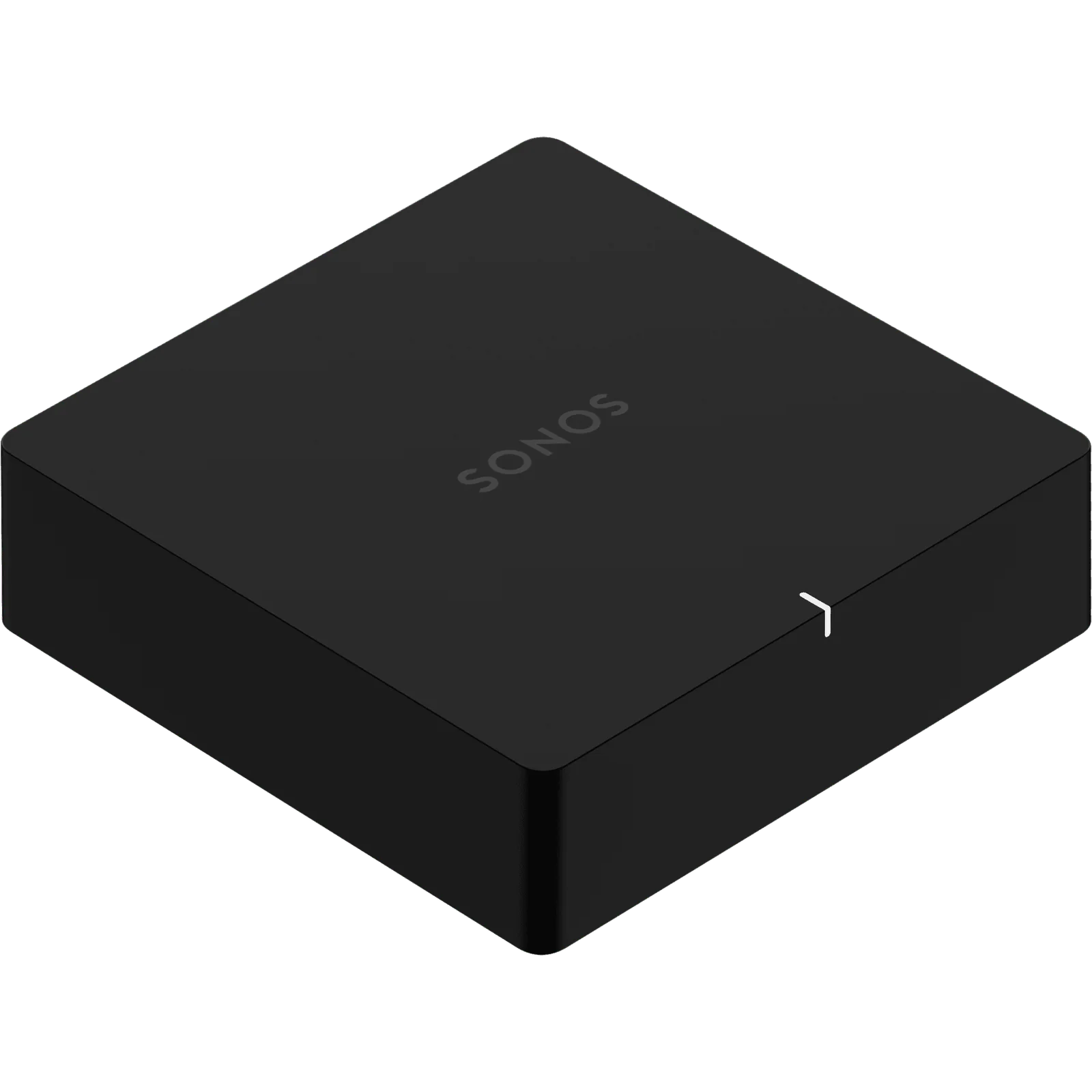
Port solves a different problem from Sonos Amp. It does not power passive speakers. In a Chicago-area retrofit, it connects Sonos to an amplifier, receiver, powered speaker system or centralized audio matrix that already provides amplification. It is useful when existing electronics and speakers should remain but modern streaming is wanted.
The connections support both directions. Port can send audio to an existing system through analog RCA or digital coaxial output. Its analog RCA input can bring a line-level source such as a CD player or a turntable with the proper phono preamplifier into Sonos, allowing that source to play in the local room or grouped rooms. A built-in 12-volt trigger can wake a compatible amplifier when playback begins.
The experience depends on gain structure, output mode, source naming, networking, amplifier behavior and control integration. Davis Audio & Video verifies the complete signal path so music plays without repeated input or volume correction.
Where Sonos Port is the right fit
Add Sonos services and AirPlay 2 to a traditional integrated amplifier or receiver while retaining the speakers and electronics selected for that room.
Feed a multi-channel amplifier or audio matrix from a compact rack-mounted source, then coordinate the Sonos room with other zones in the home.
Connect a line-level analog source through the RCA input and make it available to the Sonos system. A turntable without a built-in phono stage requires a separate preamplifier.
Use analog or digital coaxial output to bring Sonos playback into compatible amplified equipment without adding another pair of speakers.
Sonos identifies Control4, Crestron and Lutron among supported partner integrations, allowing core audio control to join a broader automation experience.
What a properly integrated Sonos Port provides
Port adds the Sonos software experience without forcing a change to the existing amplifier and speakers. That protects useful equipment and keeps the audio character the client already prefers.
The analog line-in can share vinyl, CD or another line-level source through Sonos. Clear naming and input-level adjustment keep it easy to use.
The 12-volt trigger can take a compatible amplifier out of standby when music starts, reducing the need for a second remote or manual power sequence.
Fixed, variable and pass-through line-output settings let the design assign volume control to Sonos, the connected amplifier or a compatible control path.
Professional design
The first design decision is whether Port should use analog or digital output. The answer depends on the connected component, its input architecture, the desired volume path and how the system will be controlled. We avoid running multiple active volume controls in series unless the design specifically requires it, because that can create inconsistent levels and unnecessary complexity.
Line-output mode must match the user experience. Fixed mode leaves volume to the amplifier or receiver. Variable mode lets the Sonos app adjust Port's output. Pass-through keeps Port at a fixed level while sending volume commands to compatible equipment. Davis Audio & Video programs and tests the selected path from the interface the household will actually use.
Port also needs the right role in the system. It has no speaker amplifier and no HDMI ARC input. It is not the direct substitute for Sonos Amp in a passive-speaker zone or for Arc Ultra in a television room. It is the correct product when existing amplified equipment needs Sonos streaming, source sharing and coordinated control.
How Sonos Port fits into a Davis Audio & Video system
We select analog or coaxial digital output, configure the line-output mode and verify the 12-volt trigger when the amplifier supports it.
The source connects to Port's RCA input at line level. We add a phono preamplifier when required and set the source name, level and autoplay behavior.
Supported integration can surface Sonos Favorites, playback, grouping and volume on the control interface while Port remains the audio bridge to the existing equipment.
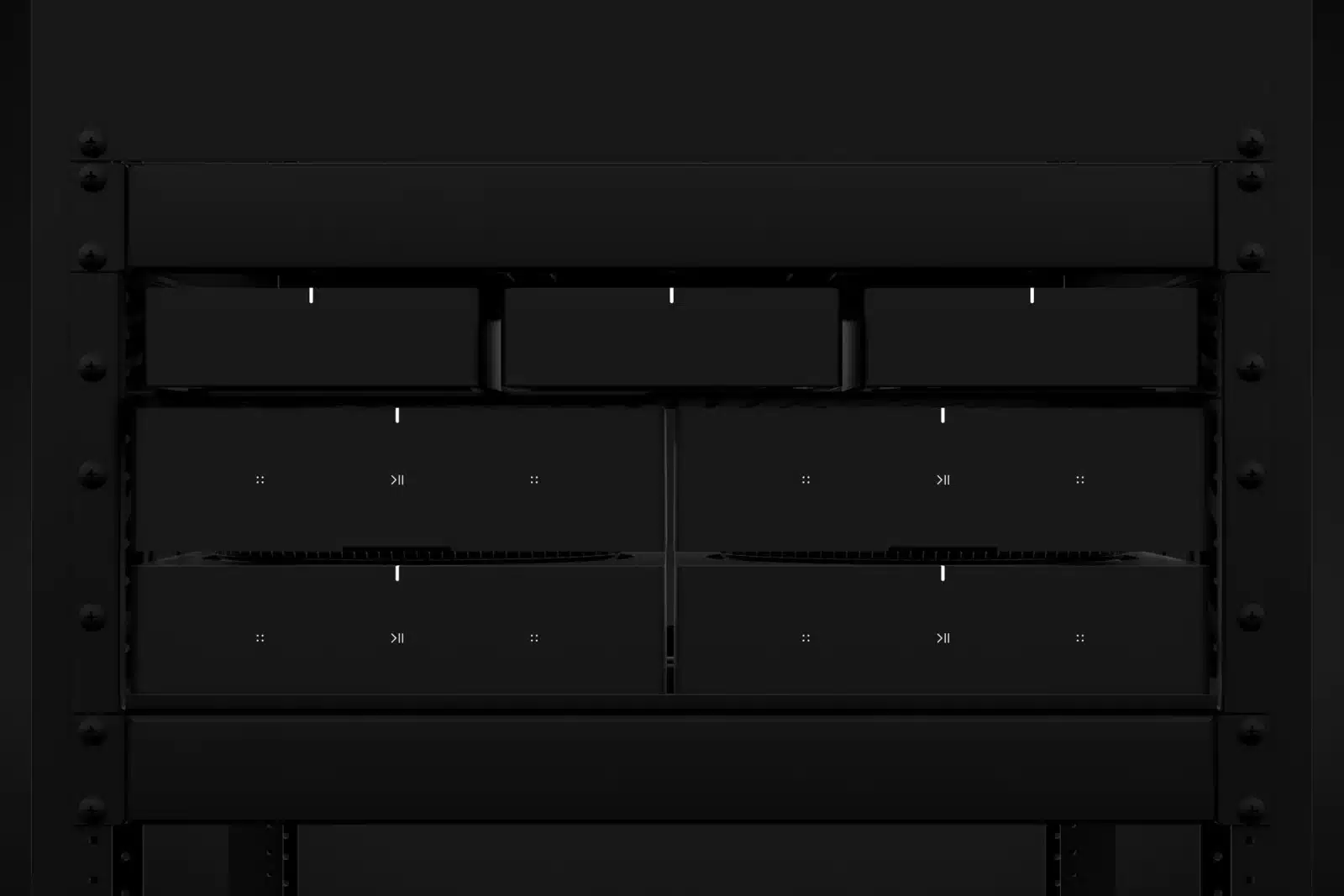
Two 10/100 Ethernet ports support hardwiring, and three Port units can fit across a third-party shelf in one rack unit. We label power, network, trigger and signal paths for service.
Specifications
The manufacturer specifications below were reviewed July 29, 2026. Port remains a current Sonos component and was originally introduced in 2019, so current compatibility and project requirements should be checked when it is paired with older Sonos or third-party equipment.
| Audio output | Stereo or dual mono |
|---|---|
| Analog input | Auto-detecting stereo RCA line-in |
| Analog output | Stereo RCA |
| Digital output | Coaxial digital |
| Line-output modes | Fixed, variable or pass-through |
| 12-volt trigger | 3.5 mm output, rated at 200 mA |
| Wireless playback | Apple AirPlay 2 and supported Sonos services |
| Ethernet | Two 10/100 Mbps ports |
|---|---|
| WiFi | Supports compatible 2.4 GHz and 5 GHz Sonos network configurations |
| Dimensions | 1.61 H × 5.43 W × 5.43 D inches |
| Weight | 1.04 pounds |
| Power | 100 to 240 volts, 50/60 Hz external supply |
| Included | Sonos Port, power adapter, RCA cable and documentation |
| Required | Amplified audio equipment, internet connection, power and Sonos app |
Planning notes
Davis Audio & Video process
We identify the amplifier, receiver, speakers, sources, available inputs, network connection and the control experience the client wants to preserve.
Davis Audio & Video selects analog or digital output, line-output mode, trigger behavior and any required automation integration.
Port is placed in the rack or with the equipment, then power, network, audio and trigger connections are labeled and secured.
We name sources and rooms, verify input and output levels, test grouping and confirm reliable control from the intended app, remote or touchscreen.
The household receives a concise walkthrough focused on selecting music, changing rooms and controlling volume without unnecessary steps.
FAQs
Sonos Port adds Sonos streaming, AirPlay 2, analog line-in and multiroom grouping to existing amplified audio equipment. It connects to a stereo, receiver, powered speakers or audio system through analog RCA or digital coaxial output.
No. Port provides line-level audio and requires amplified equipment. Use Sonos Amp or another properly matched amplifier when passive speakers need power.
Yes, through the analog RCA input, but the turntable must provide line-level output. If it does not have a built-in phono preamplifier, an external phono stage is required between the turntable and Port.
The trigger can wake a compatible amplifier when Sonos playback starts and return it to standby when playback stops. Sonos rates the trigger output at 200 mA, and the connected amplifier must have a compatible trigger input.
Use fixed output when the amplifier or receiver will control volume. Use variable output when the Sonos app should control Port's level. Pass-through is for compatible systems that receive volume commands while Port maintains a fixed output.
Yes. Port can feed a compatible receiver through stereo analog RCA or digital coaxial input. The receiver's input, power behavior and volume-control method should be configured and tested together.
Sonos lists Control4 as a certified Works with Sonos partner. Supported integration can provide access to Sonos Favorites and core playback, grouping and volume functions from Control4 interfaces.
Port has no HDMI ARC input and is not intended as the direct television-audio product. Sonos Amp, Arc Ultra or another home-theater solution is a better starting point when TV sound is the primary goal.
Related Davis Audio & Video resources
Next step
Davis Audio & Video can help match products to wiring, control, acoustics, networking, mounting, calibration and long-term support.